You may purchase the rights to limited use of the media on this site by credit card or PayPal transfer. These are quick, and you can use the shopping cart at the bottom of this page. You can also use bank transfer but this may take more time. Email us first if you wish to use bank transfer.


1. Select which photo you want to rent in the Photo Store page.

  1. 2.On the Rates page, look up the Total Price.

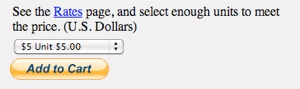
  2. 3.Click the Add to Cart button.

HELP WITH PURCHASING

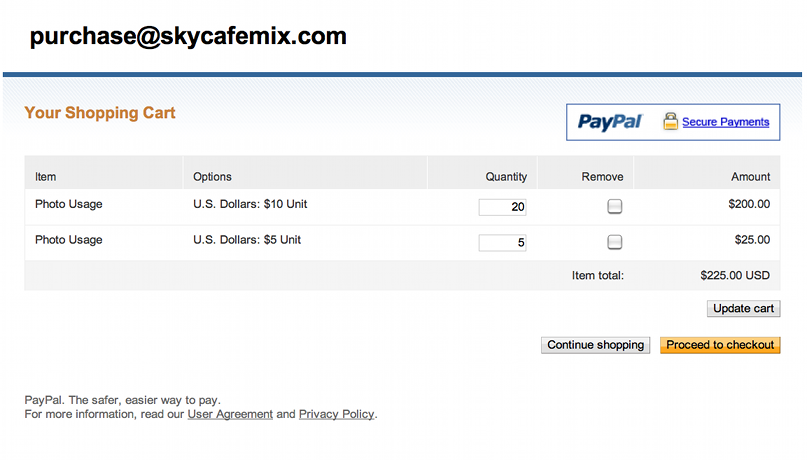
  1. 2.The SkyCafeMix shopping cart page inside PayPal will appear.


Select the right quantity and combination of Units to reach the Total Price.

Click the “Update Cart” button to be sure you have the Total Price.

If you want to go back to the SkyCafeMix website, click the “Continue shopping” button. You can return to the shopping cart by clicking on the “Add to Cart” button again (you may have to refresh the page).


3. If you are ready to make your purchase, click the “Proceed to checkout” button.

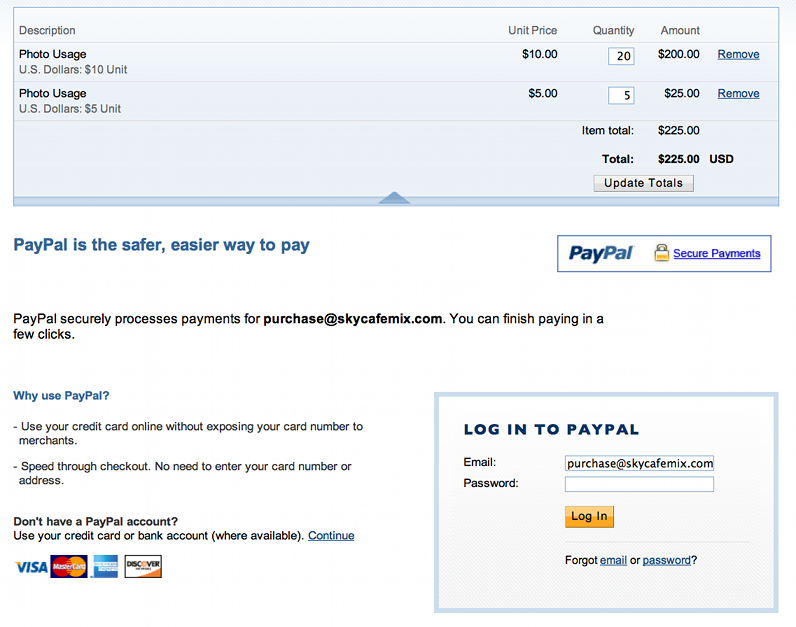
4. If you have a PayPal account, you can type in your password and click the “Log In” button.


Or, you can use a credit card without any account. To do so, click the “Continue” link above the pictures of credit cards.

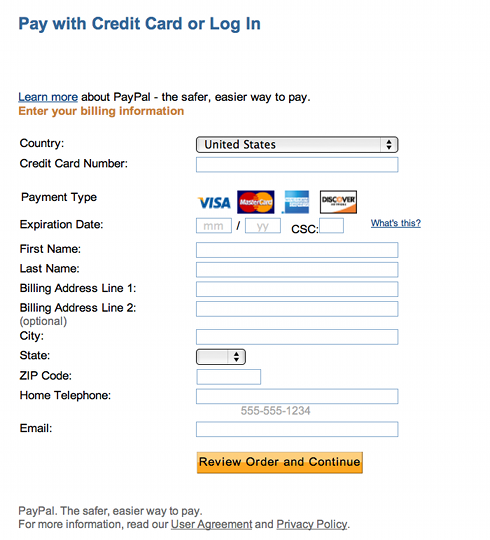
  1. 5.If you are paying by credit card, you will see a screen like this one. Type in all of the information including your email address.

  2. 6.When you complete the payment, a page will be shown where you can view a receipt.

  3. 7.Finally, be sure to email us to tell us which photo you want to use, and what is the usage. We will give you information on how to download via FTP.